How to program an ESP32 system
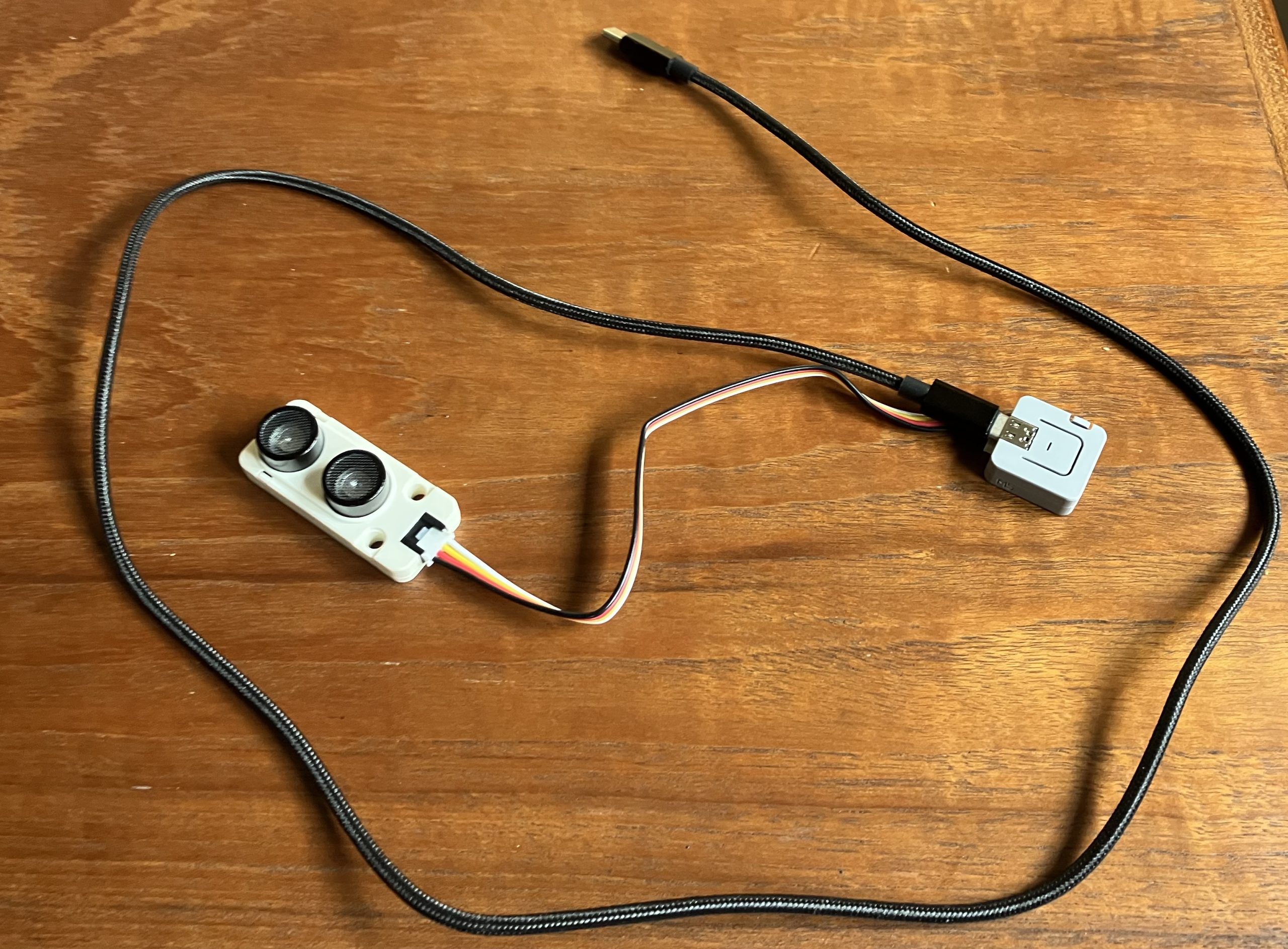
This is an M5 Atom Lite ESP32 processor and an ultrasonic distance sensor to measure the water level in a water can. That’s all the hardware you need, except the programming environment. I did the programming on my MacBook, but you could also use a Windows or Linux computer instead.
In the beginning I used the Arduino IDE where you have a setup function which runs once and a loop function which is repeated forever.
For the ESP32 processors the vendor Espressif publishes the ESP IDF, an Integrated Development Framework. With this framework you can use all the features of the ESP32 processors and are not as restricted as with the Arduino IDE. So I decided to use this framework.
As an IDE I use the community edition of IntelliJ IDEA.
The next step was to create some components to provide certain functionalities which can be reused in different projects. For those components I decided to use C++ classes to support the encapsulation and define a really small and easy to use user interface.
One example is my component wifi-manager which does the following:
- set up a Wifi connection
- if no Wifi credentials are already stored in non-volatile flash storage, a wifi access point is started on
http://192.168.4.1where the credentials can be captured
The component is implemented as C++ class Wifi. To use it you just have to add this code at the beginning of your program:
...

#include "wifi_manager.hpp"

static const char *tag = "wifi manager test";

extern "C" void app_main(void)
{

   Wifi wifi(
      std::string("WifiManager"), // tag
      std::string("ESP32"), // ssid_prefix
      std::string("de-DE") // language
   );

   ESP_LOGI(tag, "Wifi is %s", wifi.IsConnected() ? "connected"
                               :  "not connected");
...
If you run your program for the first time an access point is started and you have to enter SSID and password of your Wifi at http://192.168.4.1. In subsequent runs the Wifi is connected automatically.
Currently there are the following components ready to use with ESP IDF V5.5+ published on ESP Component Registry:
- elrebo-de/wifi_manager – to set up a Wifi connection
- elrebo-de/deep_sleep – to go to deep sleep
- elrebo-de/generic_button – to use push buttons
- elrebo-de/onboard_led – to use the onboard LED
- elrebo-de/time_sync – to synchronize time with an SNTP source
- elrebo-de/i2c_master – to use an I2C bus
- elrebo-de/generic_nvsflash – to store/retrieve values in non volatile flash storage
- elrebo-de/hcsr04_sensor – to measure distances with an HCSR04 sensor
- elrebo-de/shelly_plug – to use a shelly plug as a power switch
In addition there is work-in-progress in some GitHub repositories:
- elrebo-de/InfluxDB-Client-for-ESP-IDF – an InfluxDB client for ESP IDF
- elrebo-de/infuxdb_thermometer – a thermometer built with a supermini ESP32C3 and an MCP8908 thermometer chip, sampling temperature data on an InfluxDB instance
- elrebo-de/http_config_server – an HTTP server to capture configuration data and store it in nvs_flash
This post will be updated in the future to serve as an index to my work.
Leave a Reply to generic_button – elrebo Cancel reply