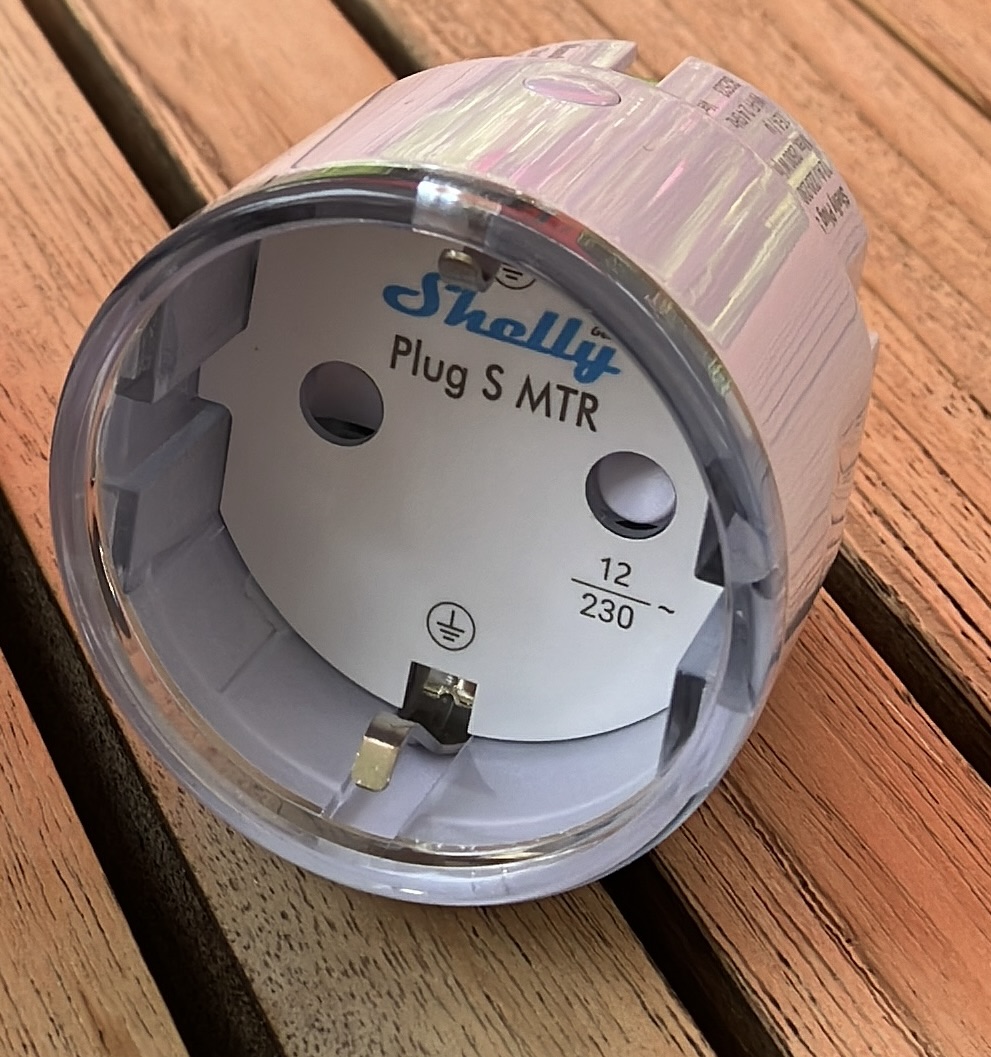
An ESP-IDF component for Physical Computing
Purpose
Operate a Shelly Plug from an ESP32 system.
How it is done
You need to include shelly_plug.hpp.
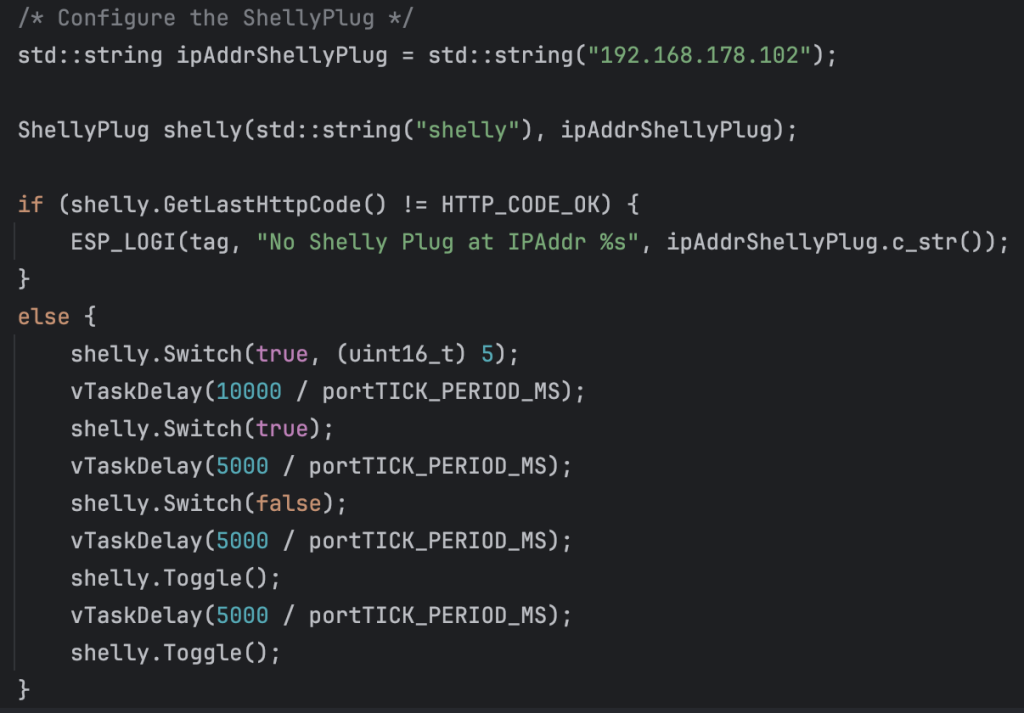
Then you define an instance of class ShellyPlug. In the constructor of the class you define the IP address of the shelly plug.
Now you can use the method Switch to switch it on or off. There is also a second version of this method with a second parameter toggleAfter. With this parameter the shelly plug state will be toggled back after the specified number of seconds.
With method Toggle the state of the shelly plug is toggled.
Where to find it
shelly_plug is published on the ESP Registry at https://components.espressif.com/components/elrebo-de/shelly_plug.
The source code can be found at https://github.com/elrebo-de/shelly_plug.
How to use it
As an ESP-IDF component shelly_plug must be included into idf_component.yml as a dependency. As usual this can be done by executing this command:
idf.py add-dependency "elrebo-de/shelly_plug^1.0.4"
In CMakeLists.txt "elrebo-de__shelly_plug" has to be added as a requirement.
Now you can include shelly_plug.hpp and use the ShellyPlug class in your program.
With this code snippet the shelly plug at IP address 192.168.178.102 is switche on and off with the different methods of class ShellyPlug:
Leave a Reply to Physical Computing – elrebo Cancel reply